
When your phone can still call for help but not connect to a regular network.
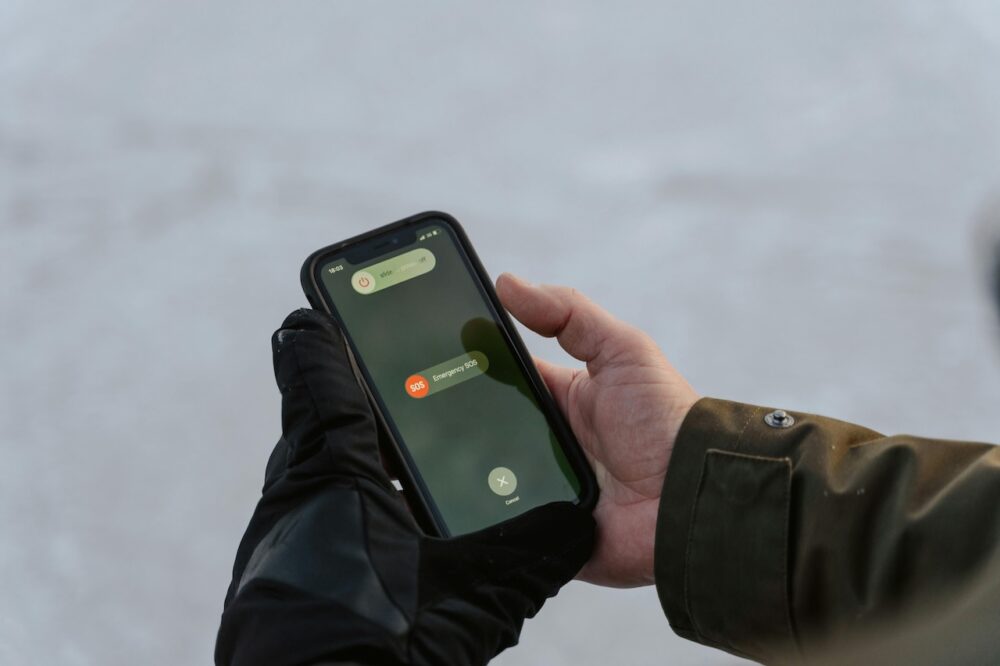
Most people glance at their phone dozens of times a day, so when something unfamiliar appears on the screen, it’s easy to feel a jolt of concern. Seeing “SOS Only” instead of your usual signal bars can feel especially alarming, even if everything seemed fine moments earlier.
The message sounds serious, but it doesn’t usually mean your phone is broken or that service is permanently gone. In most cases, it’s a temporary status tied to coverage, network access, or location.
Understanding what “SOS Only” actually means can take the panic out of the moment. Once you know what’s happening behind the scenes, it becomes much easier to decide whether to wait it out or take action.
1. “SOS Only” means your phone lost normal network access

When your phone shows “SOS Only,” it means it cannot connect to your carrier’s regular network for calls, texts, or data. This usually happens when signal strength drops too low or the network becomes unavailable.
Your phone is still powered on and functioning. It just cannot establish a standard connection at that moment. The message reflects a network issue, not a hardware failure.
2. Emergency calls can still go through

Even when normal service is unavailable, your phone may still connect to other nearby networks for emergency calls. That’s why the “SOS” label appears.
Emergency services are prioritized and allowed to route through compatible networks, even if they are not your carrier. This ensures you can still call for help in most situations.
3. Location plays a major role

Poor coverage areas are one of the most common reasons this message appears. Rural roads, remote trails, underground parking garages, and elevators can all block signals.
If you recently moved into a low coverage zone, your phone may briefly lose access before reconnecting. In many cases, the message disappears once you change location.
4. Network outages can trigger it
Temporary outages from your carrier can also cause phones to display “SOS Only.” These outages may affect specific regions, towers, or data systems.
Even short disruptions can cause phones to drop off the network. Once service is restored, the message usually resolves on its own without any user action.
5. Software glitches sometimes cause false alarms
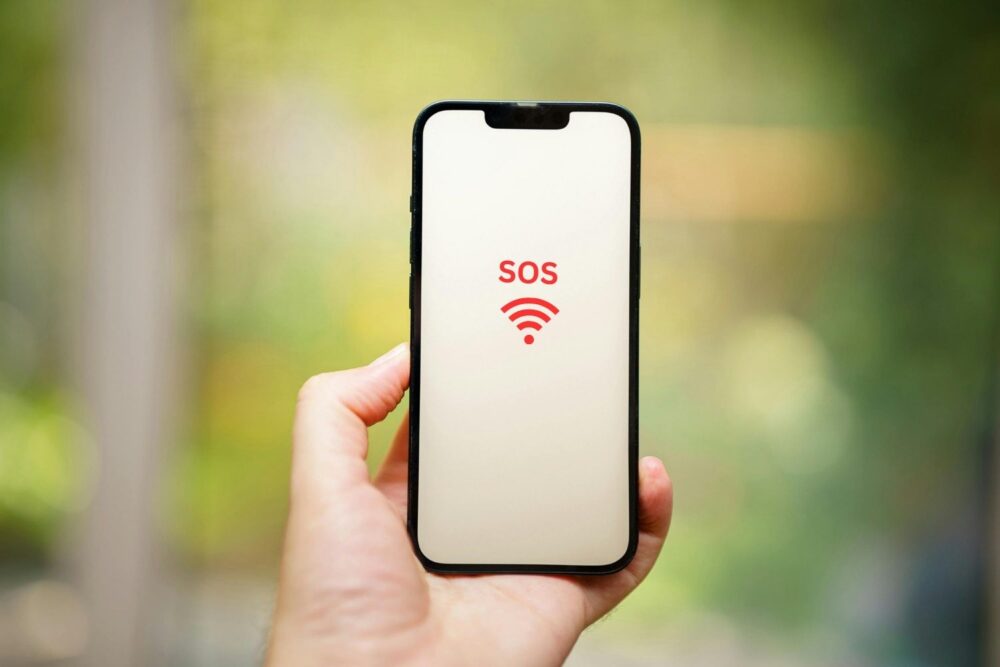
Sometimes the “SOS Only” message appears even when coverage is available. Minor software glitches can cause the phone to misread network conditions, especially after an operating system update or a brief signal interruption.
These glitches do not usually indicate a serious problem. They are often temporary and related to how the phone is refreshing its connection to nearby towers or networks.
Restarting the phone or briefly turning airplane mode on and off can force a fresh connection. If the message disappears afterward, it was likely a short lived software issue rather than a real service outage.
6. SIM or eSIM issues can interfere with service

Problems with a physical SIM card or eSIM profile can also prevent normal network access. This may happen if the SIM shifts, deactivates, or encounters an error.
Reseating a physical SIM or refreshing eSIM settings can help. If the problem persists, carrier support may need to reauthorize the connection.
7. Data may be unavailable even if calls return

In some cases, calls and texts resume before mobile data does. The phone may still struggle to connect to data services after losing signal.
This can happen during network congestion or recovery from outages. Data access usually returns once the connection fully stabilizes.
8. International travel increases the odds

When traveling internationally, phones frequently switch between networks. If roaming agreements are limited or unavailable, “SOS Only” may appear.
This does not always mean service is gone permanently. Once the phone finds a compatible partner network or settings are adjusted, service may return.
9. When waiting is usually enough

If “SOS Only” appears briefly and then disappears, there is rarely a reason to worry. Short signal drops happen regularly, especially in motion.
Giving the phone a few minutes to reconnect is often all that’s needed. Constantly restarting or resetting settings is usually unnecessary in these cases.
10. When it’s time to take action

If the message persists for hours or appears repeatedly in strong coverage areas, it may be time to investigate further. Checking carrier status pages or contacting support can help identify the cause.
Most of the time, “SOS Only” is temporary and harmless. Knowing what it means turns a stressful moment into a manageable one.