
Modern phone habits and hidden settings are quietly draining batteries faster than most users expect.
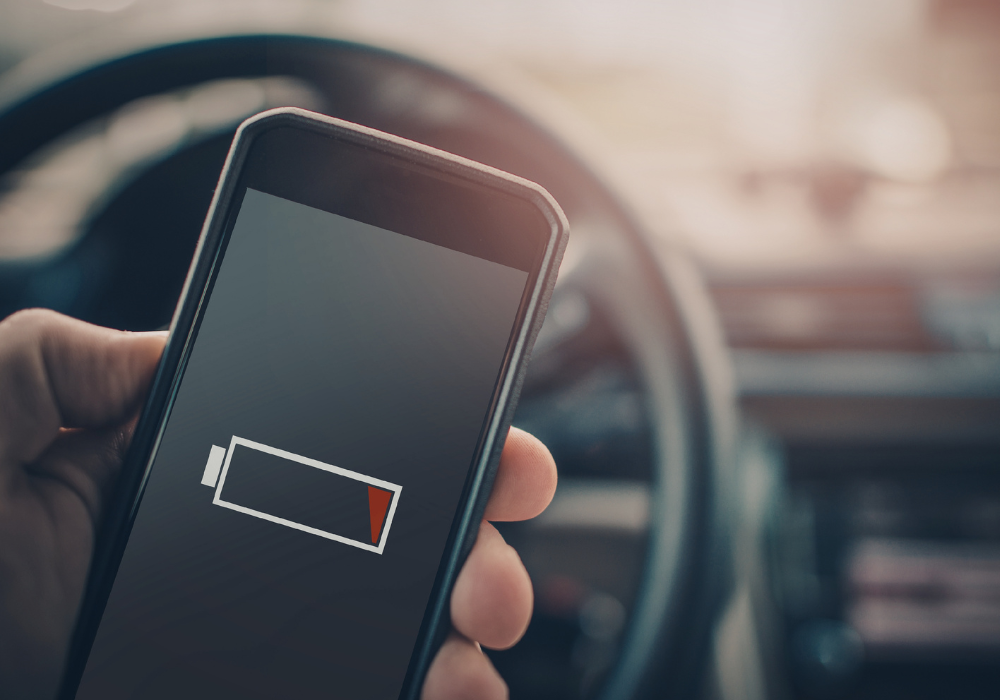
If your phone battery seems to lose power faster than it used to, you’re not imagining it. Many people notice sharp drops in battery life long before their phone feels “old.” While aging hardware plays a role, experts say everyday habits, software features, and behind-the-scenes processes are often bigger culprits.
Modern smartphones are constantly working, even when they’re in your pocket, and small changes in how you use them can make a noticeable difference. Understanding what’s really draining your battery is the first step toward making it last longer each day.
1. Background apps may be draining power without you realizing it
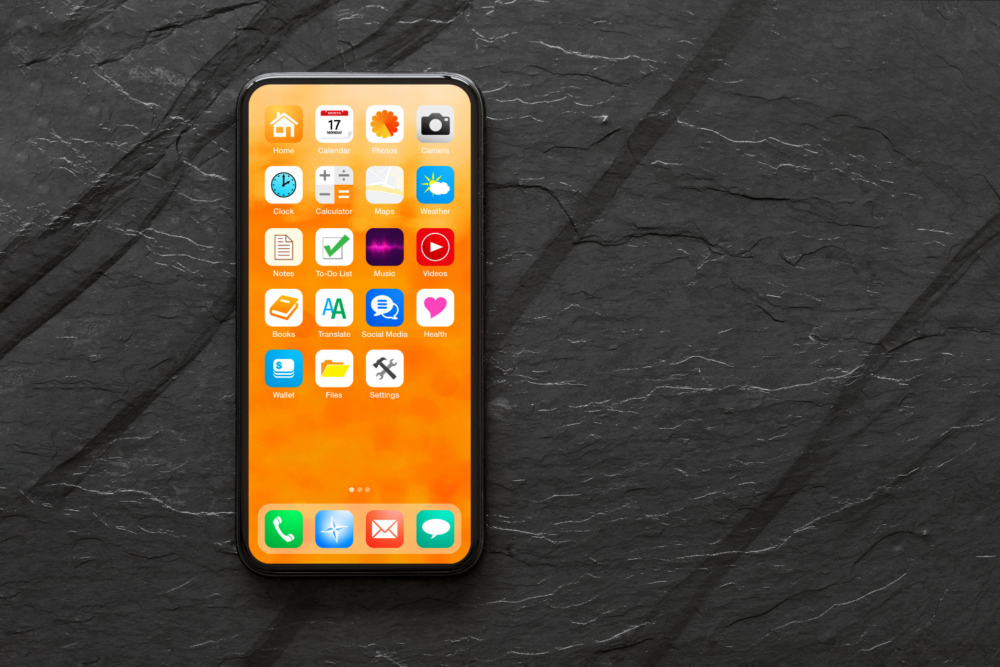
Many apps continue running even when you’re not actively using them. They refresh content, check for updates, and track location data in the background. Individually, this seems harmless, but collectively it can consume significant battery life. Social media, navigation, and shopping apps are frequent offenders. Limiting background activity or reviewing app permissions can often extend daily battery life more than people expect.
2. Screen brightness is still one of the biggest battery drains

Your phone’s display uses more power than almost any other component. High brightness levels, especially outdoors or indoors under bright lighting, can dramatically reduce battery life. Automatic brightness helps, but it isn’t always efficient. Manually lowering brightness or enabling dark mode on compatible screens can noticeably slow battery drain throughout the day.
3. Location services are working more often than you think

Many apps request location access even when it isn’t essential. Weather updates, ride-share apps, fitness trackers, and social platforms may ping GPS repeatedly. Constant location tracking uses energy-intensive sensors and radios. Setting apps to access location “only while using” instead of “always” can significantly reduce unnecessary battery consumption.
4. Push notifications keep waking your phone up

Each notification triggers your phone to light the screen, vibrate, or activate wireless connections. When dozens of apps send alerts throughout the day, those brief wake-ups add up. Reducing notifications to only essential apps not only improves focus but also cuts down on battery drain that happens quietly in the background.
5. Cellular signal strength affects battery life more than Wi-Fi

When your phone struggles to maintain a cellular connection, it uses extra power searching for towers. This is especially common in elevators, rural areas, or large buildings. Phones often drain faster on cellular data than Wi-Fi. Switching to Wi-Fi when available or enabling airplane mode in low-signal areas can preserve battery life.
6. Battery aging happens faster than many people expect
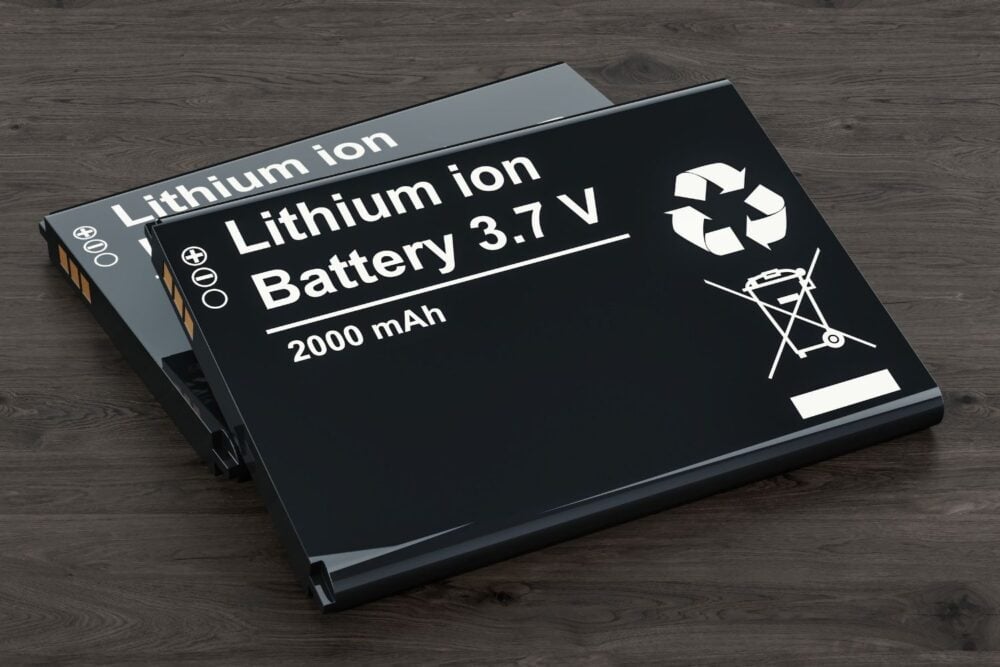
Lithium-ion batteries naturally degrade over time, even with careful use. After about two to three years, most batteries hold less charge than when new. This doesn’t mean your phone is failing, but it does mean shorter daily battery life is normal. Software updates can make aging batteries feel worse by demanding more power.
7. Constant Bluetooth connections add up over time

Bluetooth headphones, smartwatches, car systems, and fitness trackers all require steady communication. While Bluetooth is efficient, multiple connections running all day still draw power. Disconnecting unused devices or turning off Bluetooth when it’s not needed can help slow battery drain, especially on older phones.
8. Software updates can temporarily worsen battery life

After major updates, phones often run background tasks like reindexing files and optimizing apps. This can last hours or even days, making battery life appear suddenly worse. In most cases, performance stabilizes once these processes finish. If battery life doesn’t improve after several days, other factors may be involved.
9. Extreme temperatures affect battery performance
Heat and cold both reduce battery efficiency. Hot conditions can cause faster drain and long-term damage, while cold weather temporarily limits how much charge a battery can deliver. Leaving phones in cars, direct sunlight, or freezing conditions can noticeably shorten battery life during the day.
10. Charging habits influence long-term battery health
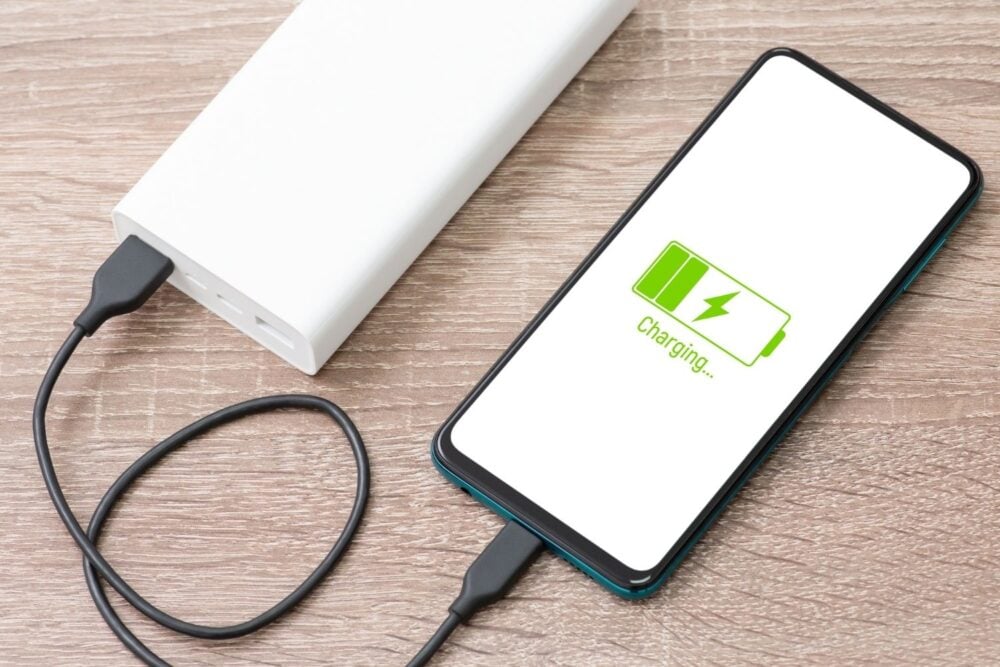
Regularly charging to 100 percent or letting batteries drop to zero can accelerate wear. Many phones now include optimized charging features that slow charging overnight. Using these settings and avoiding extreme charge levels helps preserve battery capacity over time, improving how long your phone lasts each day.
11. Some features are convenient but power-hungry

Always-on displays, animated wallpapers, live widgets, and constant syncing across devices all require steady energy. These features are useful, but disabling a few you rarely use can noticeably improve battery performance. Small changes across several settings often make a bigger difference than replacing the battery itself.