
It’s a helpful clue, but it doesn’t always mean the website is safe.

That little lock icon next to a website’s address looks reassuring. For many people, it’s become a quick signal that a site can be trusted.
But while the symbol does mean something important, it doesn’t tell the whole story. In fact, plenty of unsafe or misleading sites also display the lock.
Understanding what it actually represents — and what it does not — can help you avoid scams, protect your data, and make smarter choices every time you browse.
1. The Lock Icon Means the Connection Is Encrypted
The lock symbol shows that your browser has established a secure connection with the website using HTTPS. This means information sent between you and the site, such as passwords or form data, is encrypted so outsiders cannot easily intercept it.
It does not mean the website itself is trustworthy, only that the data moving between you and the server is harder for others to spy on while in transit.
2. It Does Not Verify Who Runs the Website

Many people assume the lock icon confirms the identity of the company behind the site, but that is not true. In most cases, it only confirms that the site has a valid security certificate, not that the business is legitimate.
Scammers can easily obtain certificates too, which is why fake sites can look just as secure as real ones at first glance.
3. Even Phishing Sites Can Display the Lock
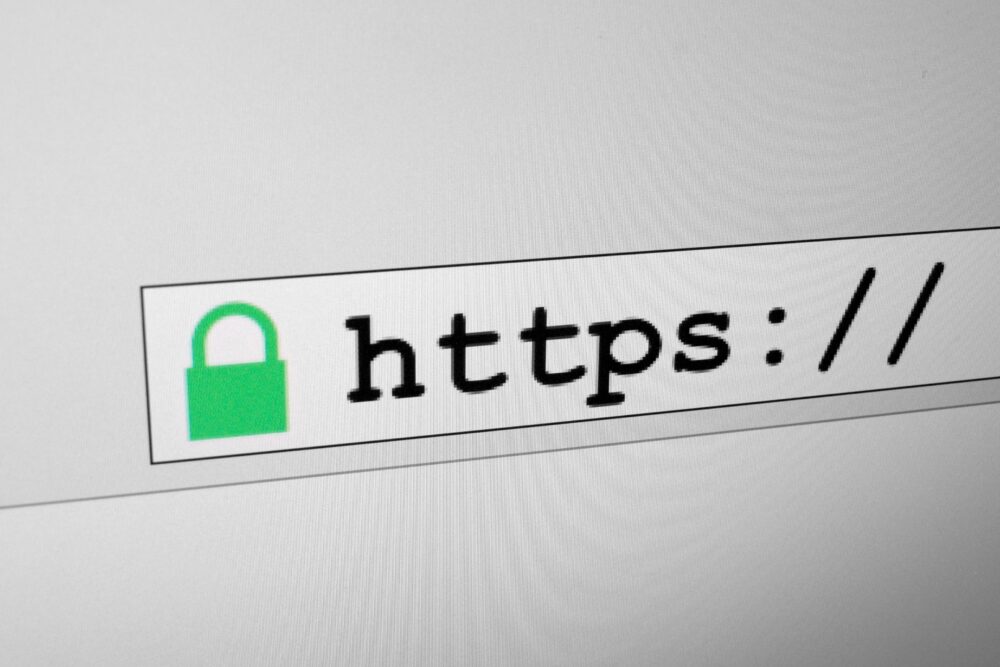
A growing number of phishing sites use HTTPS and show the lock icon to appear legitimate. This makes them much harder to spot, especially for users who rely on the lock as their main safety signal.
Cybercriminals know people look for that symbol, so they deliberately design fake pages that pass this basic visual check while still trying to steal logins, credit cards, or personal information.
4. HTTPS Protects Data, Not Your Judgment
The lock helps protect your information from being intercepted, but it does nothing to protect you from entering data into the wrong hands.
If you willingly type sensitive details into a scam site, encryption will simply protect that data as it travels straight to the scammer. That’s why user awareness is still critical, even on “secure” sites.
5. The Lock Says Nothing About a Site’s Content

A site can have a secure connection and still host harmful content, misleading information, or malware. The lock does not evaluate what the website contains or how it behaves.
It only reflects how your browser is communicating with that site, not whether the site is ethical, safe, or reputable.
6. Why Browsers Show the Lock at All
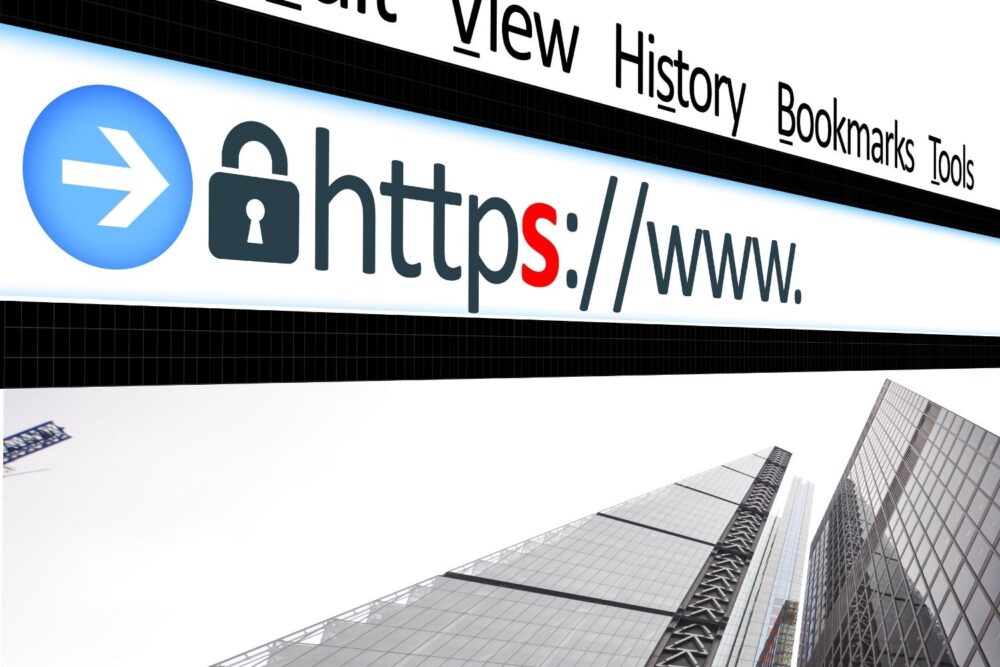
Browsers use the lock icon to encourage safer internet habits and signal when a site meets basic security standards. It’s meant to help users avoid sites that transmit data in plain text, which is far more dangerous.
Over time, though, many users have come to interpret the symbol as a broader seal of approval, which it was never designed to be.
7. How to Actually Check if a Site Is Trustworthy

To judge whether a site is safe, you need to look beyond the lock. Check the website’s URL carefully, look for spelling errors, strange domain names, or unexpected pop-ups.
You should also consider whether the site is asking for information that seems unnecessary or out of context, which is often a red flag.
8. Why Familiar Brands Can Still Be Dangerous
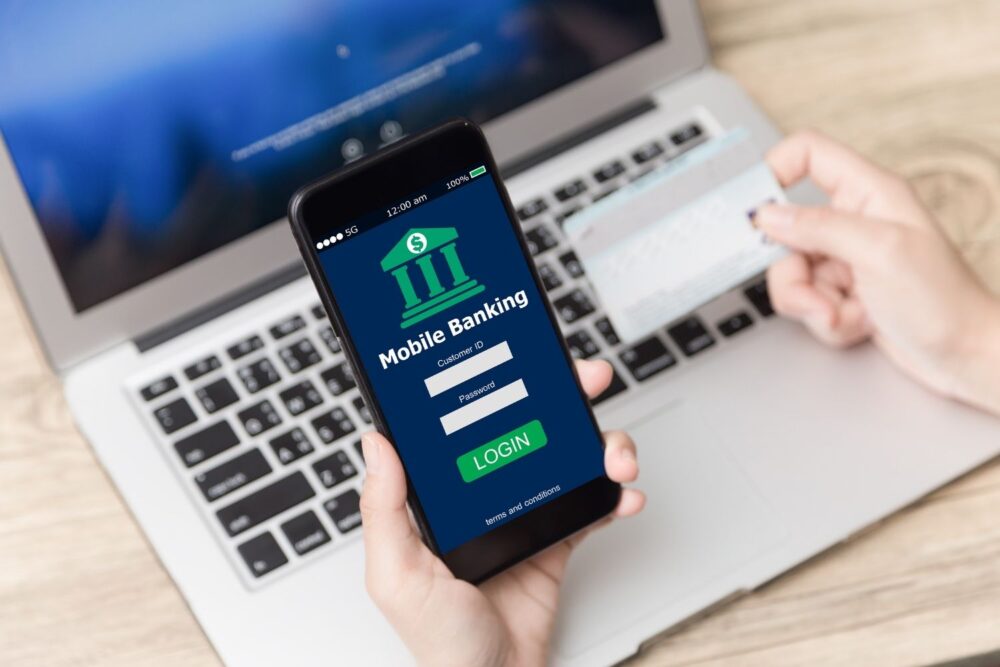
Scammers frequently copy the appearance of popular brands like banks, delivery services, and streaming platforms. These fake sites often display the lock icon and look convincing.
The difference usually lies in the web address or small design inconsistencies. Clicking through emails or messages instead of typing the site yourself is one of the most common ways people end up on these lookalike pages.
9. What Happens When a Site Has No Lock

When a site lacks a lock icon, it usually means the connection is not encrypted. Modern browsers may flag these sites as “Not Secure,” especially if they collect any personal data.
This is a clear warning sign, and you should avoid entering passwords or payment information on any site that does not use HTTPS.
10. The Lock Is One Tool, Not the Final Answer

Think of the lock as one layer of protection, not a verdict on safety. It’s useful, but incomplete on its own.
Just as a seatbelt doesn’t make reckless driving safe, encryption alone doesn’t make every website safe to trust.
11. What Smart Browsers Do Differently Today

Modern browsers now include additional protections beyond the lock icon, such as warning pages for known dangerous sites, blocked downloads, and scam detection features.
These tools work alongside HTTPS to give you better protection — but they still rely on users staying alert and skeptical when something doesn’t feel right.